For kirana stores, cafés, restaurants and local shops
Your shop, on every customer’s phone.
Add your products or menu, print one QR code, and let people browse from the counter or the table. They don’t install anything or make an account.
- Customers
- No sign-up
- Works on
- Any phone browser
- Stores per account
- As many as you run
- 2×Masala chai₹40
- 1×SamosaExtra chutney₹30
Three things to set up. Then you’re open.
Add what you sell
Type a name and a price. Photos, sizes and add-ons are there when you want them, not before.
Item name
Masala chaiPrice
₹ 20Category
ChaiPrint your QR code
One for the counter, or one per table. The code knows where it was scanned, so you know which table is asking.

Table 4 · Scan to see the menu QR codes and table labels arrive in the next release.
See orders come in
Orders land on your phone with the table, the items and any notes, printed out like the slips you already use.
New order11:05 amP3D-9XACounter- 1×Atta 5 kg₹265
- 2×Toor dal 1 kg₹340
Total₹605
Made for the shop down the road
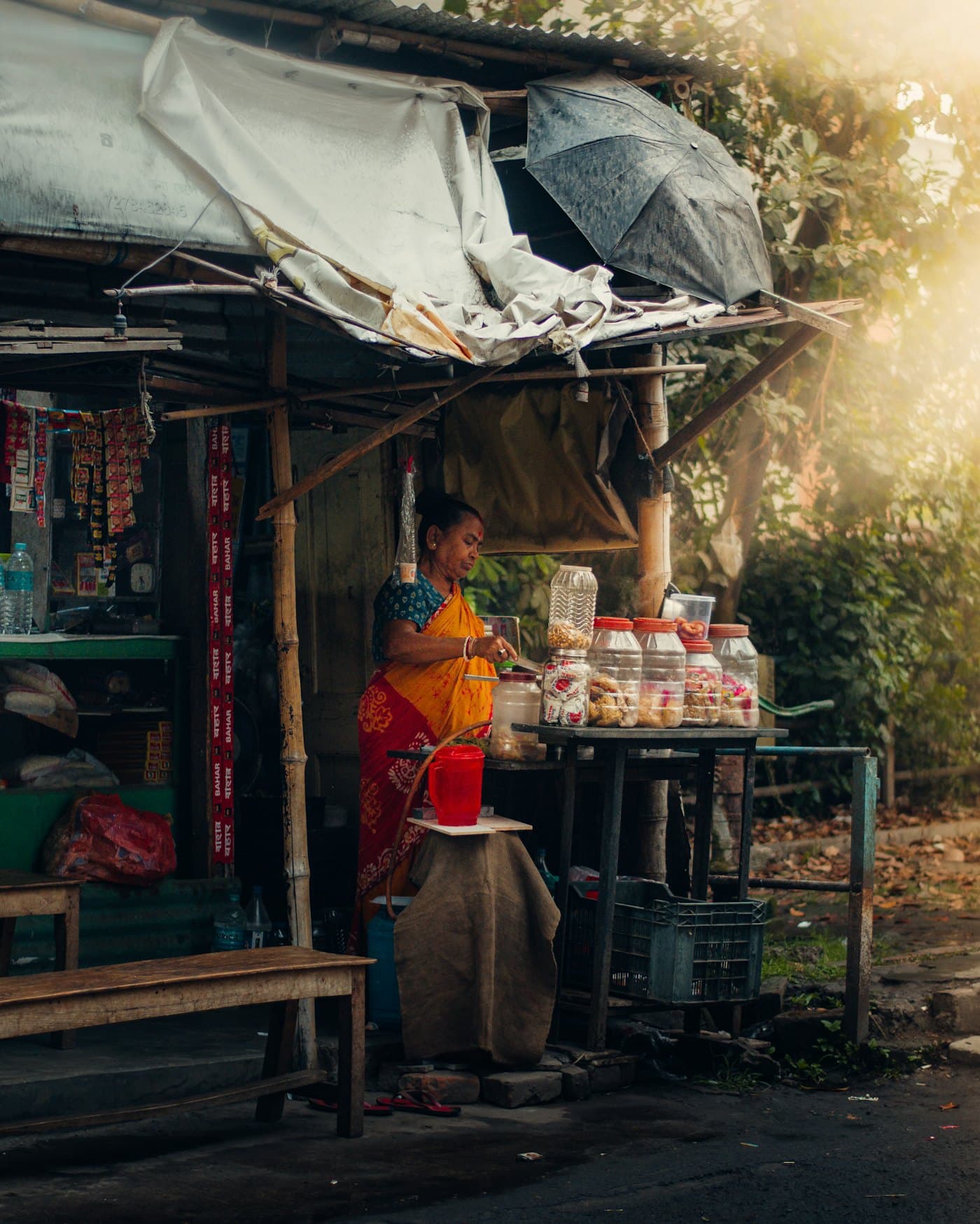
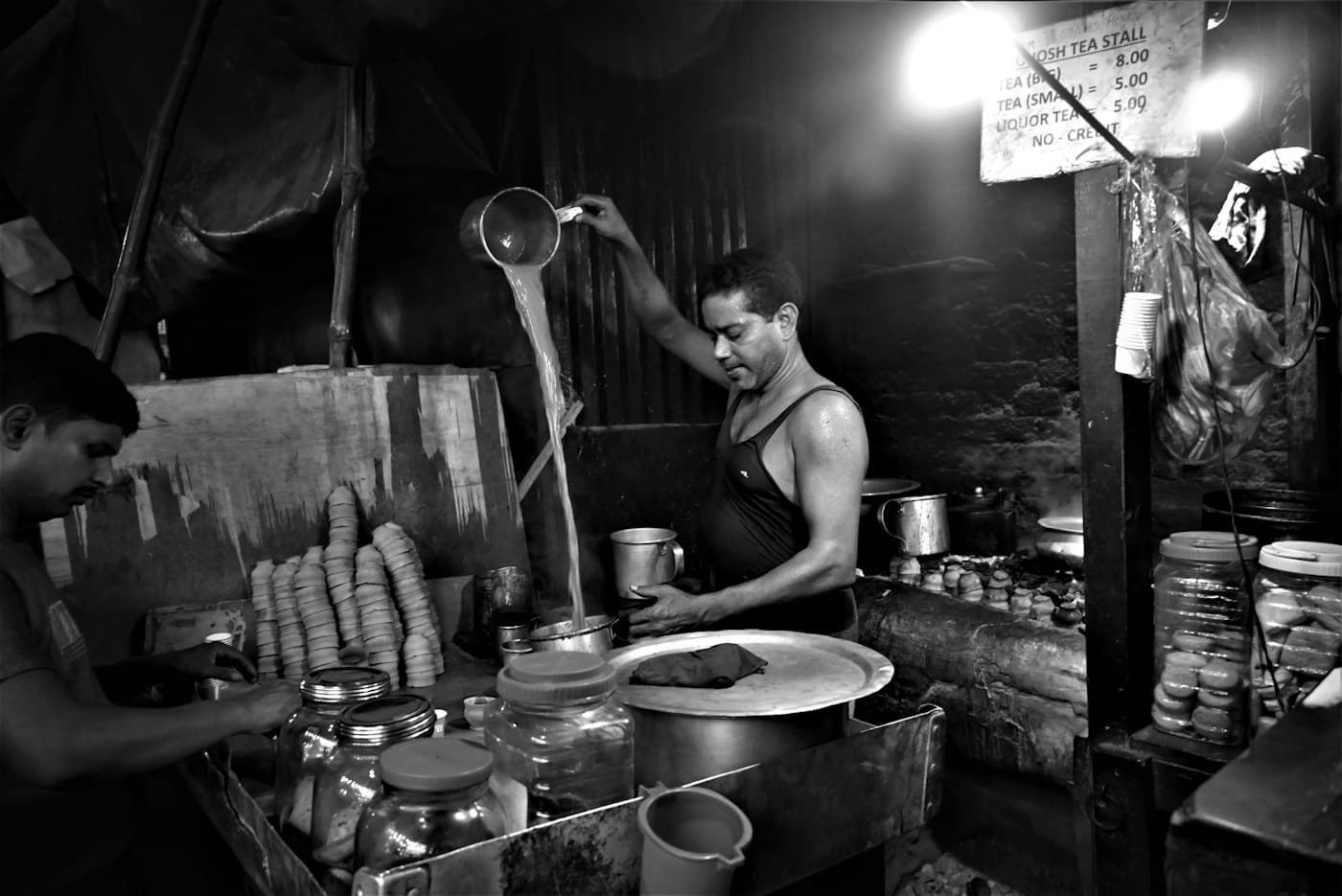
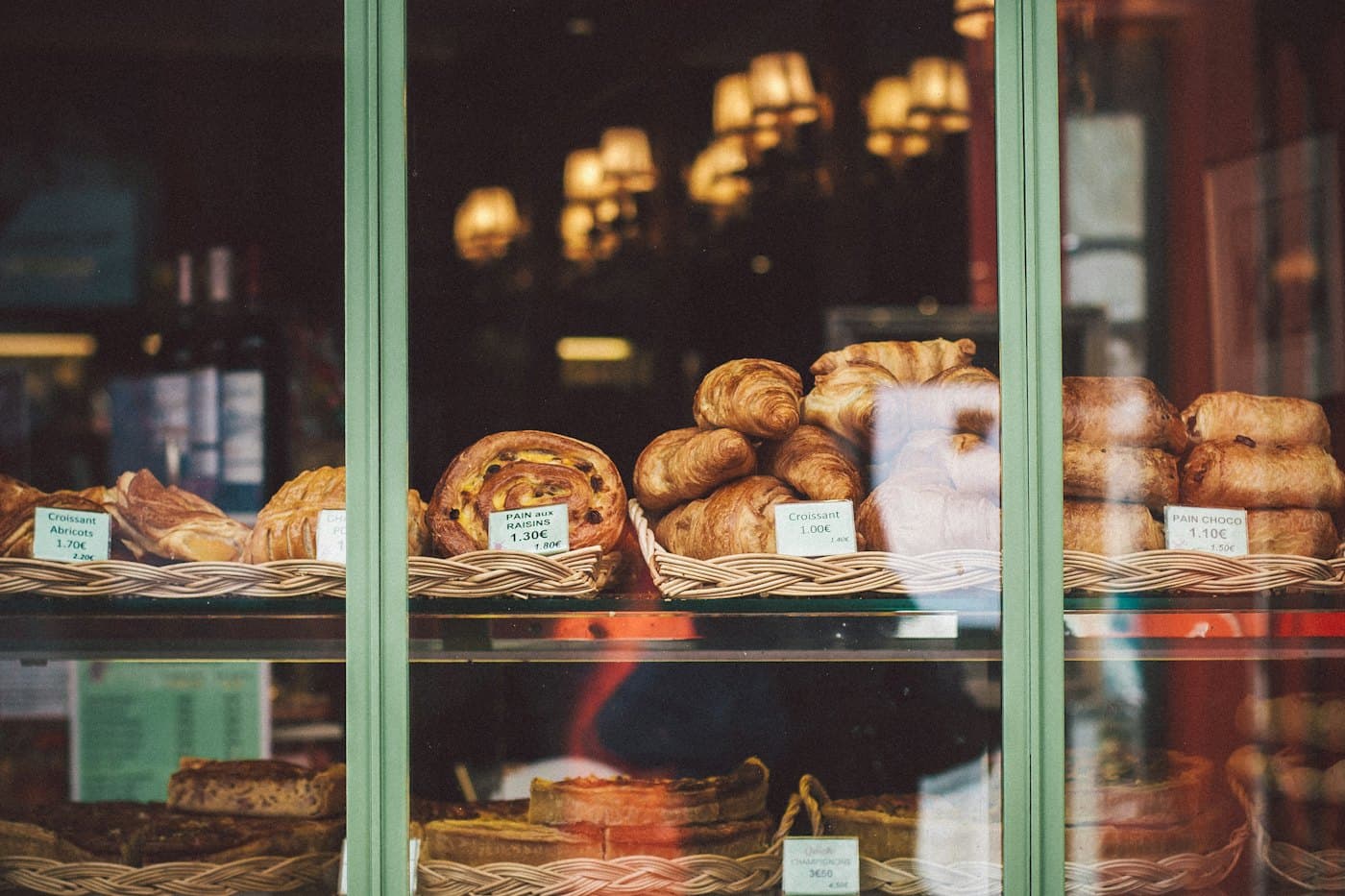
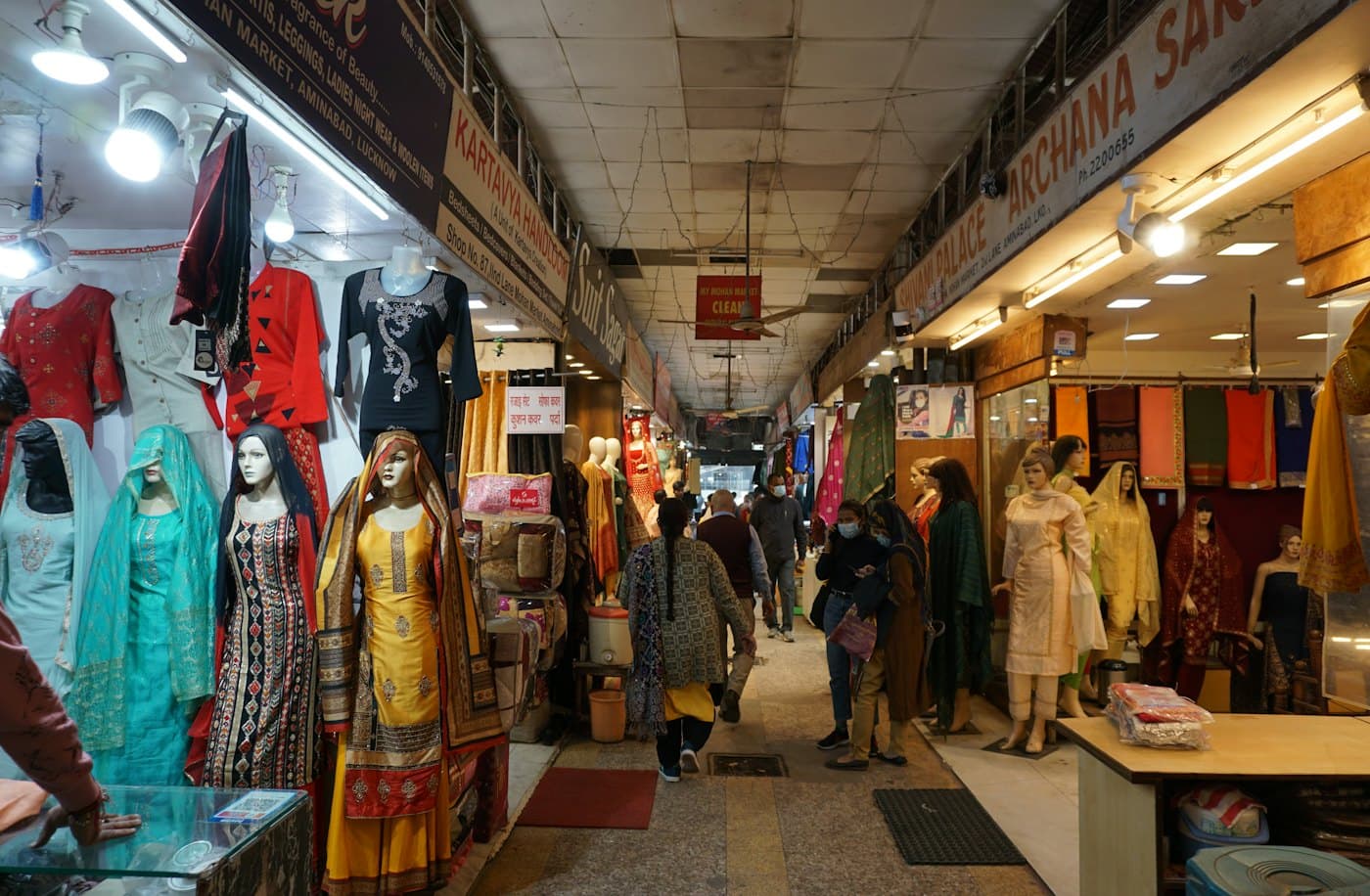
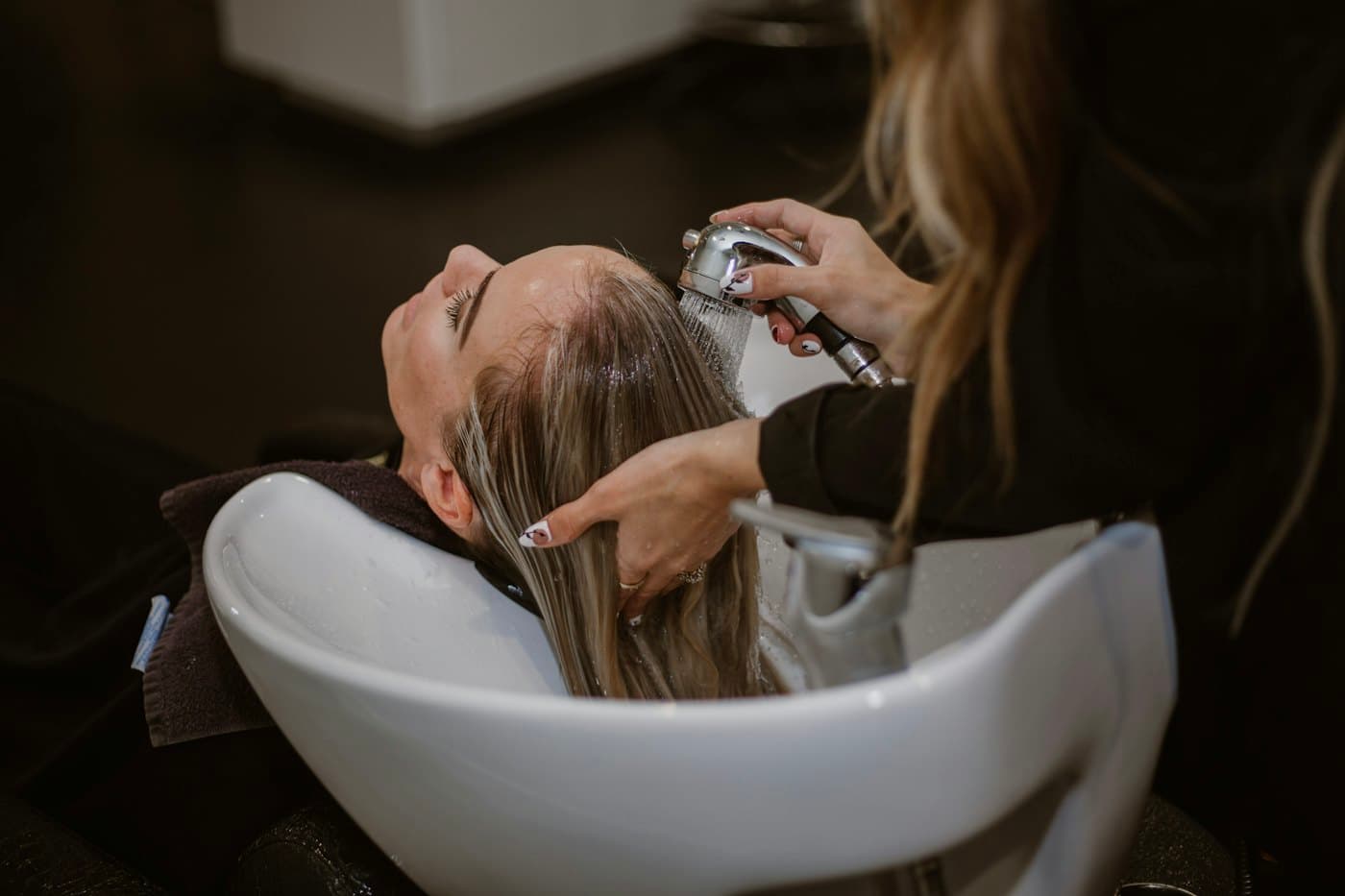
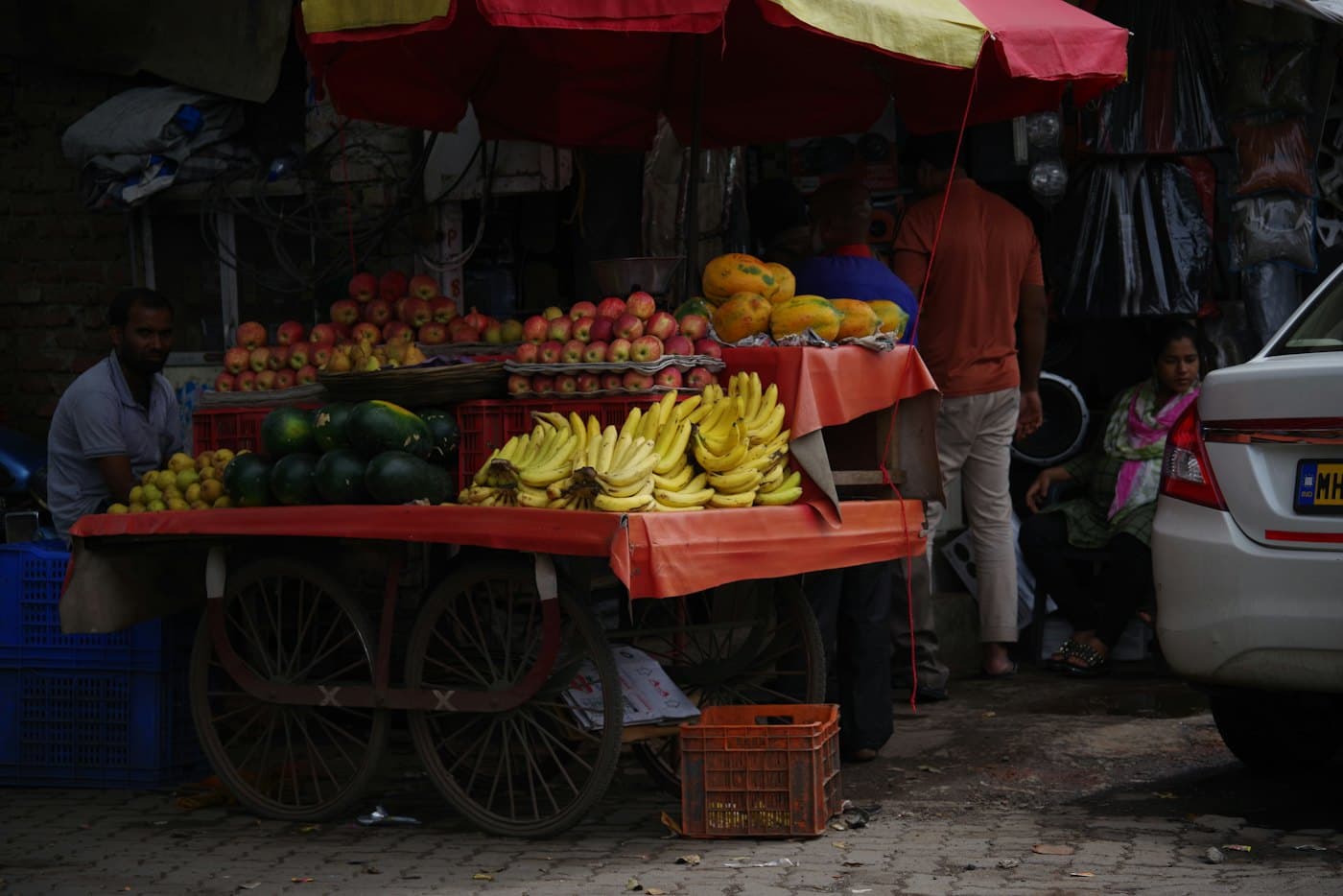
How each kind of shop uses it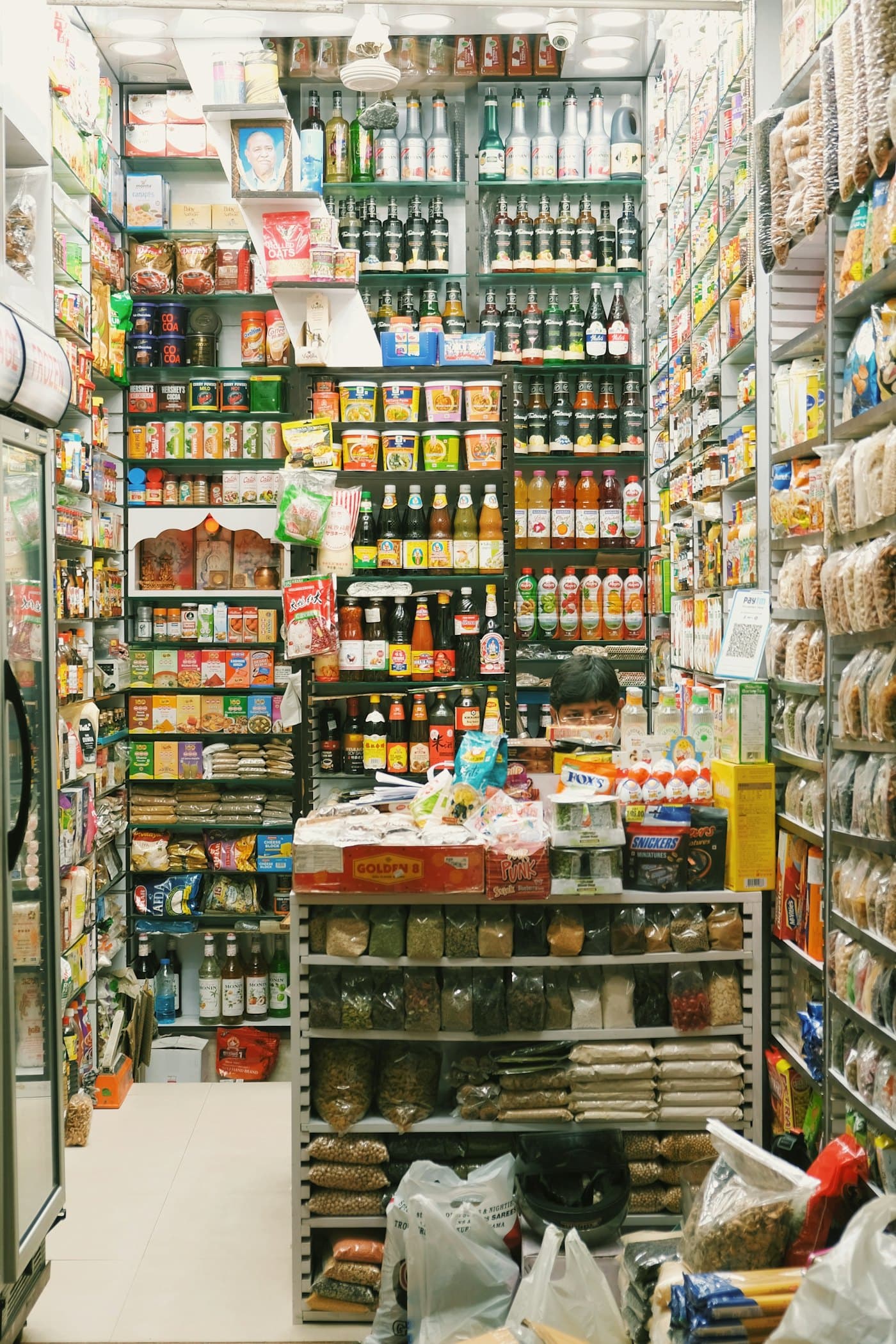
What you get on day one
- A catalogue that fits your shop
- Categories, photos, sizes, add-ons and stock counts. Use as much or as little as you need.
- A link that’s yours
- Every store gets a short web address you can share on WhatsApp or print on a bill.
- More than one store
- Run a café and a bakery? Switch between them from the top of the screen.
- Built for a phone in one hand
- Big buttons, plain words, and nothing hidden behind a desktop-only menu.
A promise about your customers
Nobody should have to hand over a phone number to buy a cup of chai.
Customers browse without an account. If you want to remember a regular, you can save them to your store, and only your store. Scanner never uses your customers for its own marketing.
You decide which details checkout asks for. Marketing consent is always a separate, unticked choice.
Questions shop owners ask us
More in the help section.
Do my customers need to download an app or sign up?
No. They scan your QR code or open your store link in their phone’s browser. They can browse straight away, and ordering (coming next) asks only for what you choose, such as a name.
I run two shops. Can I manage both from one account?
Yes. Each store has its own catalogue, link, QR codes and settings, and you switch between them from the top of the dashboard. Data from one store never shows up in another.
Can I take online payments?
Not yet. Orders are marked as pay at the counter, cash or on delivery. We will add online payments only once refunds and reconciliation are properly designed, so your money is never in limbo.
What if something is out of stock?
Turn the item off with one tap, or track stock and let it show as sold out automatically. It stays in your catalogue so you can switch it back on tomorrow.
Do I have to collect customer details?
No. Saving customers is optional and stays inside your store. We never turn your customers into our marketing list.
Put your shop on a QR code
Start with your name and what you sell. You can finish the rest between customers.